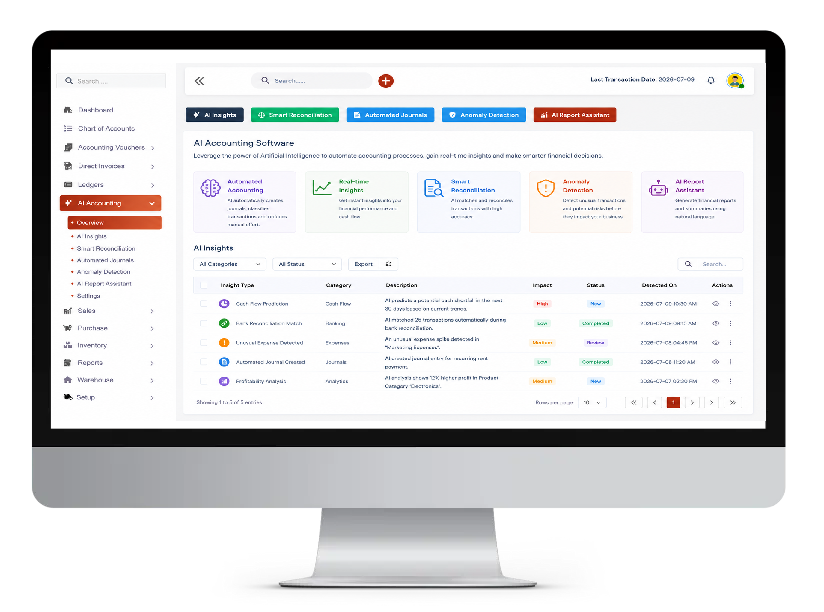
Shadobooks ERP Solutions puts intelligence directly into the hands of the people who run businesses - not just the accountants. If you've ever thought accounting software should understand you as well as you understand your business, you've just found the right platform.

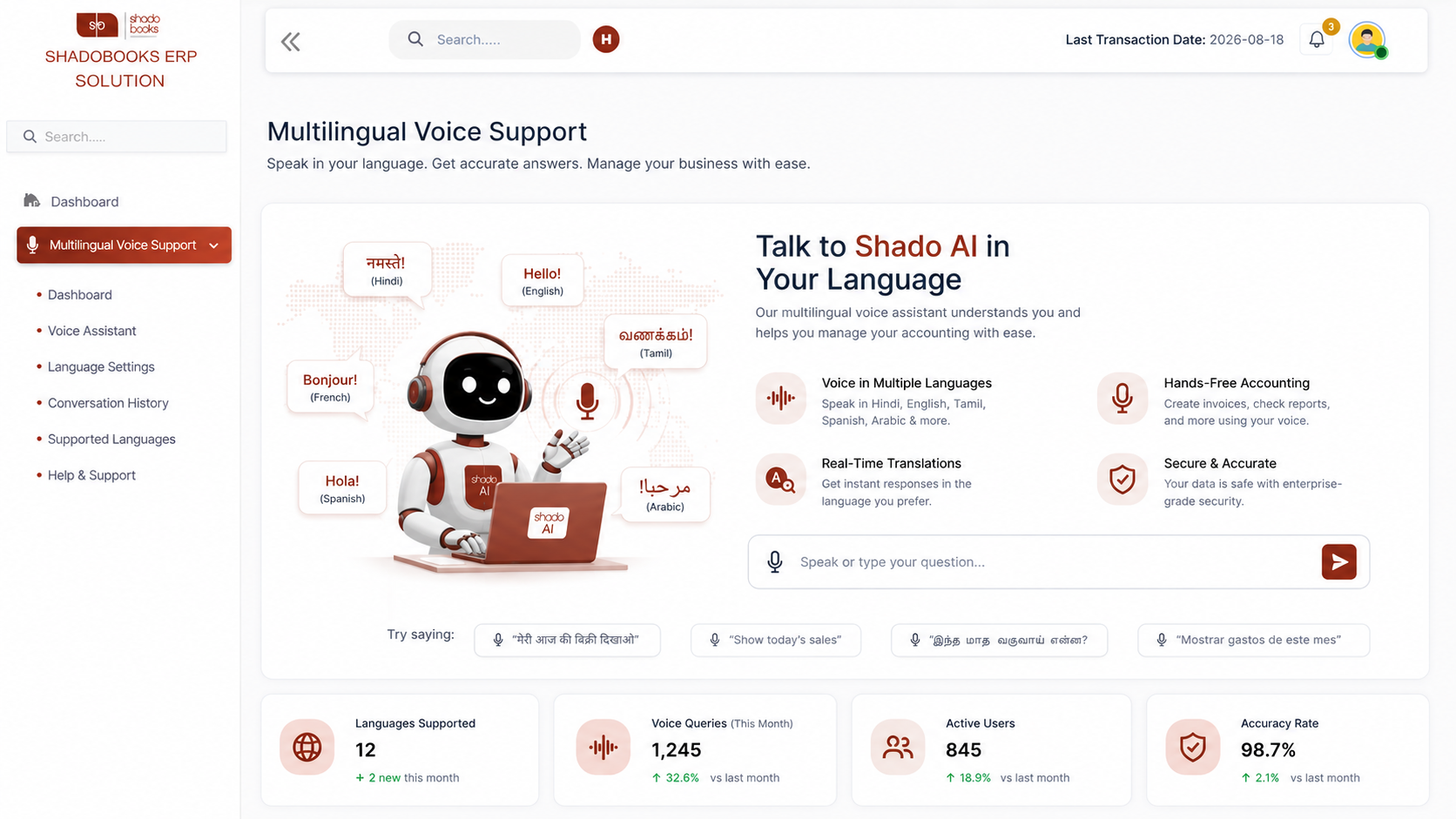
Manage ERP with voice
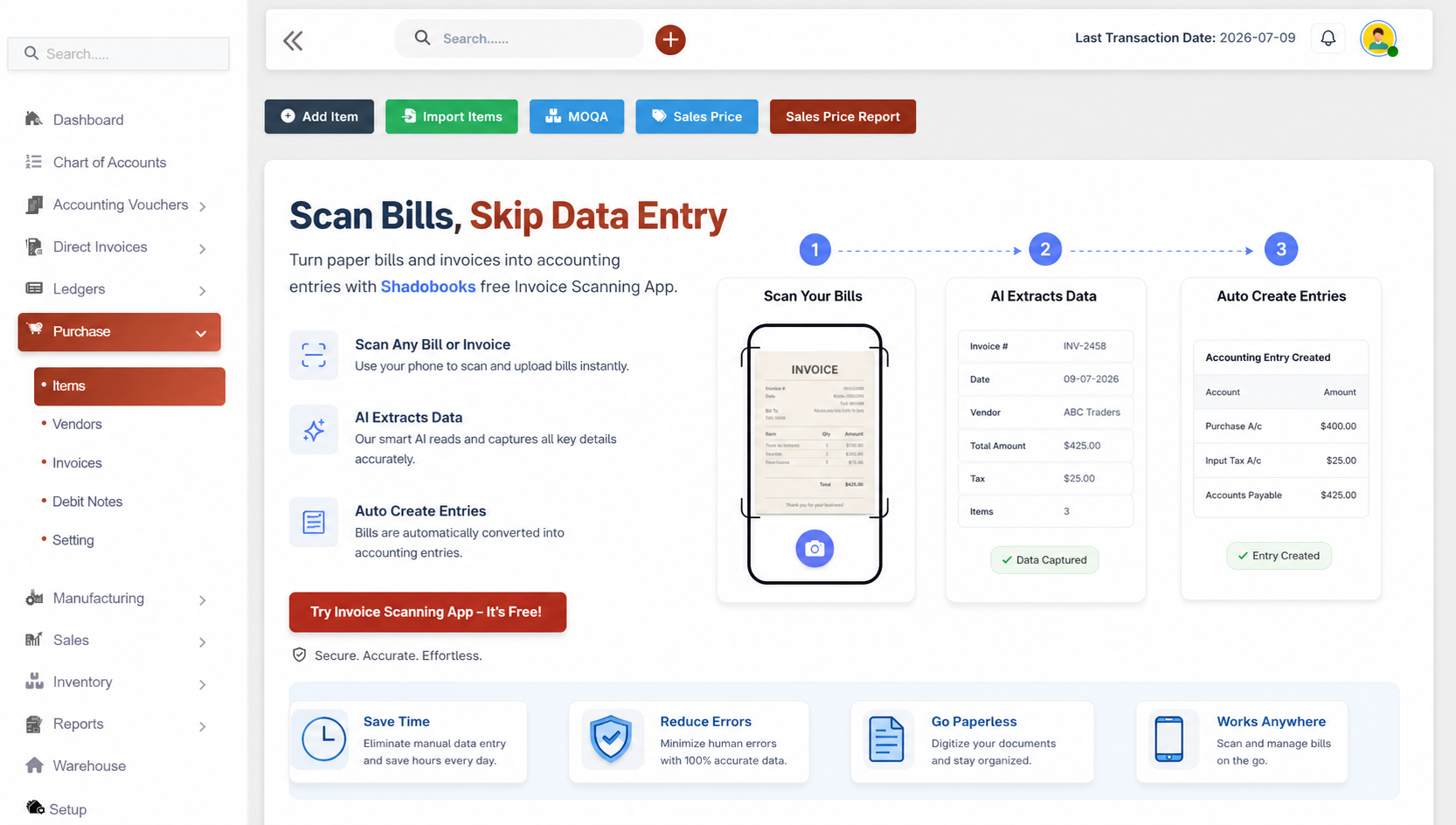
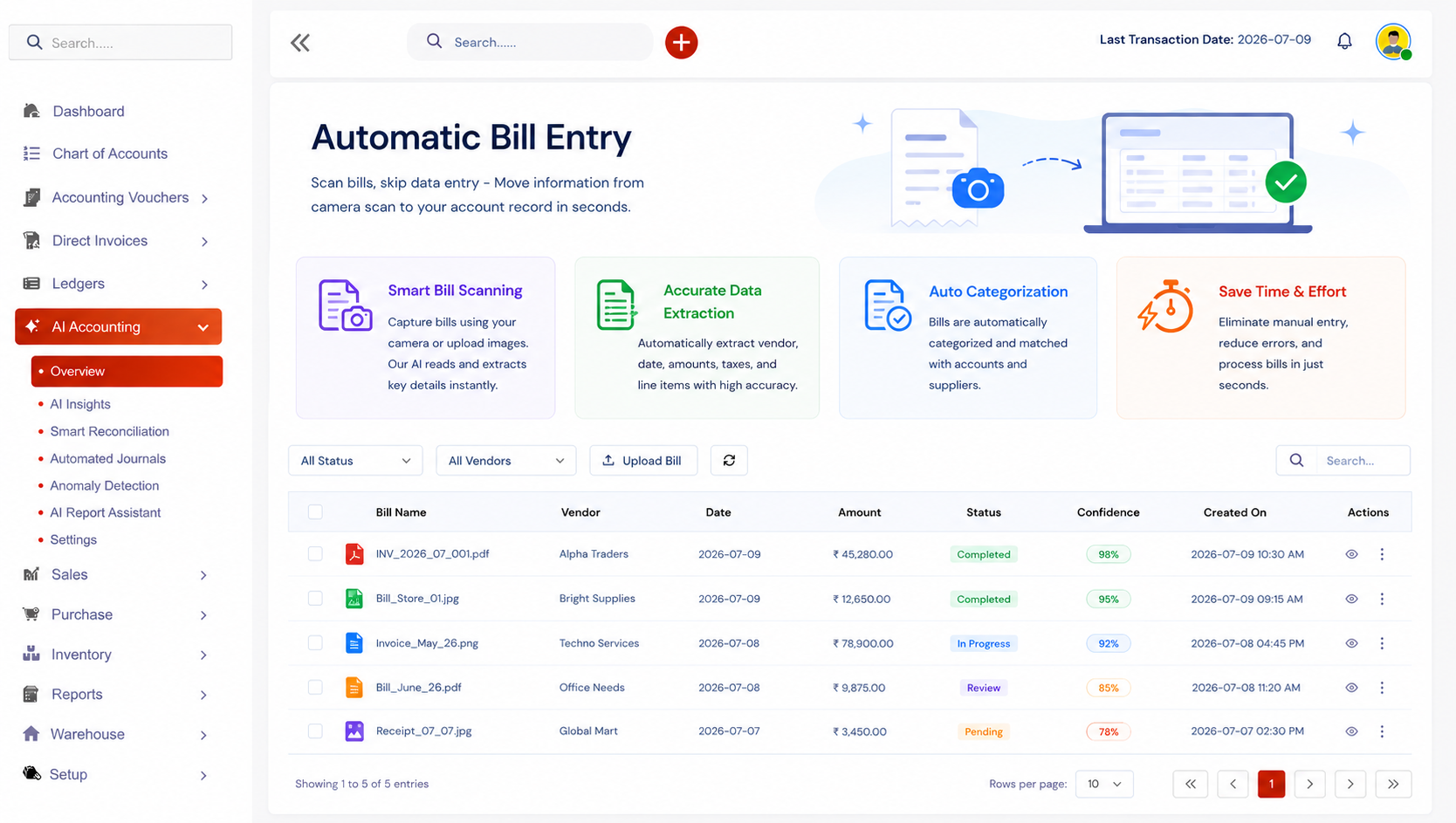
Auto capture bills
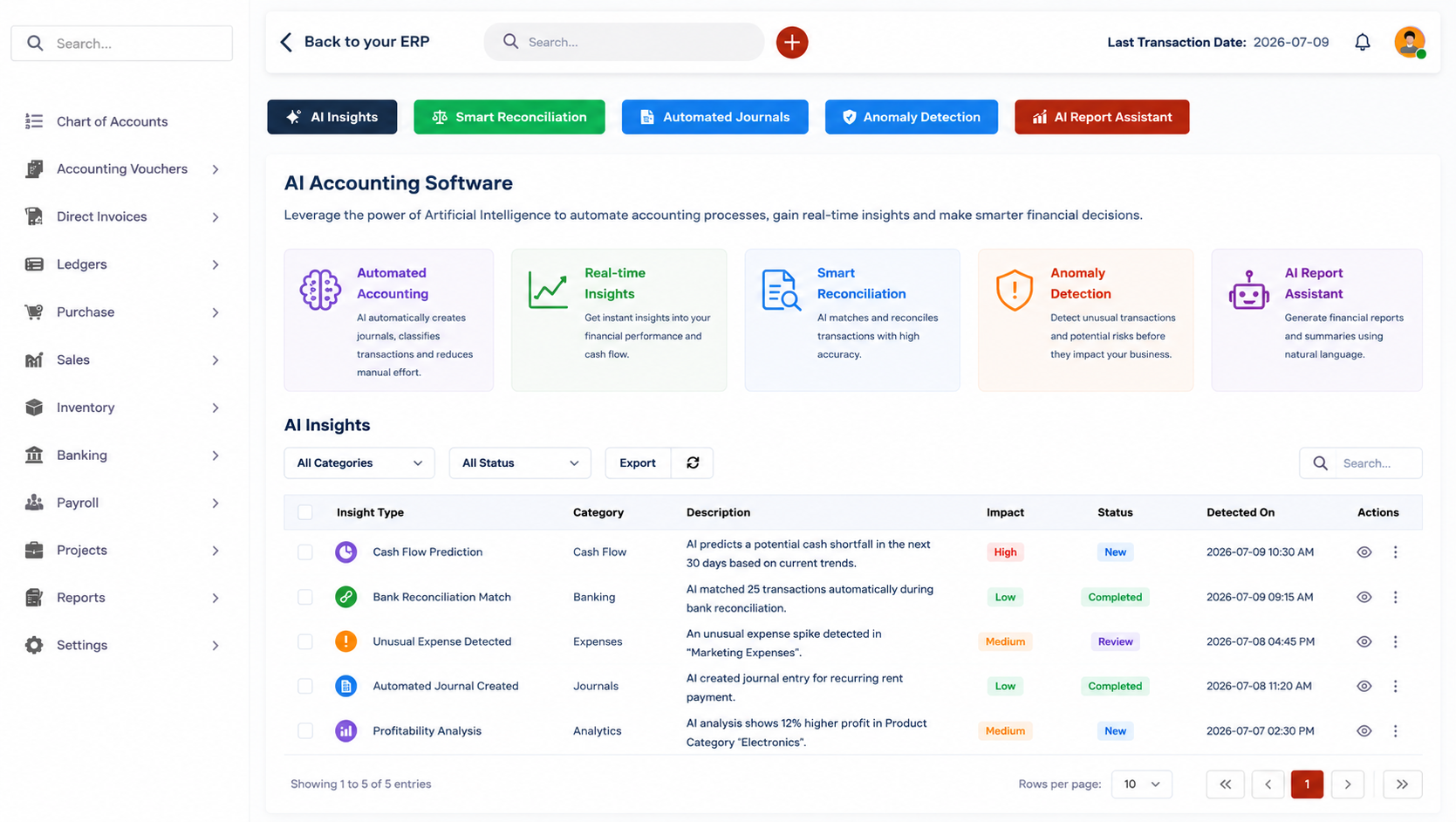
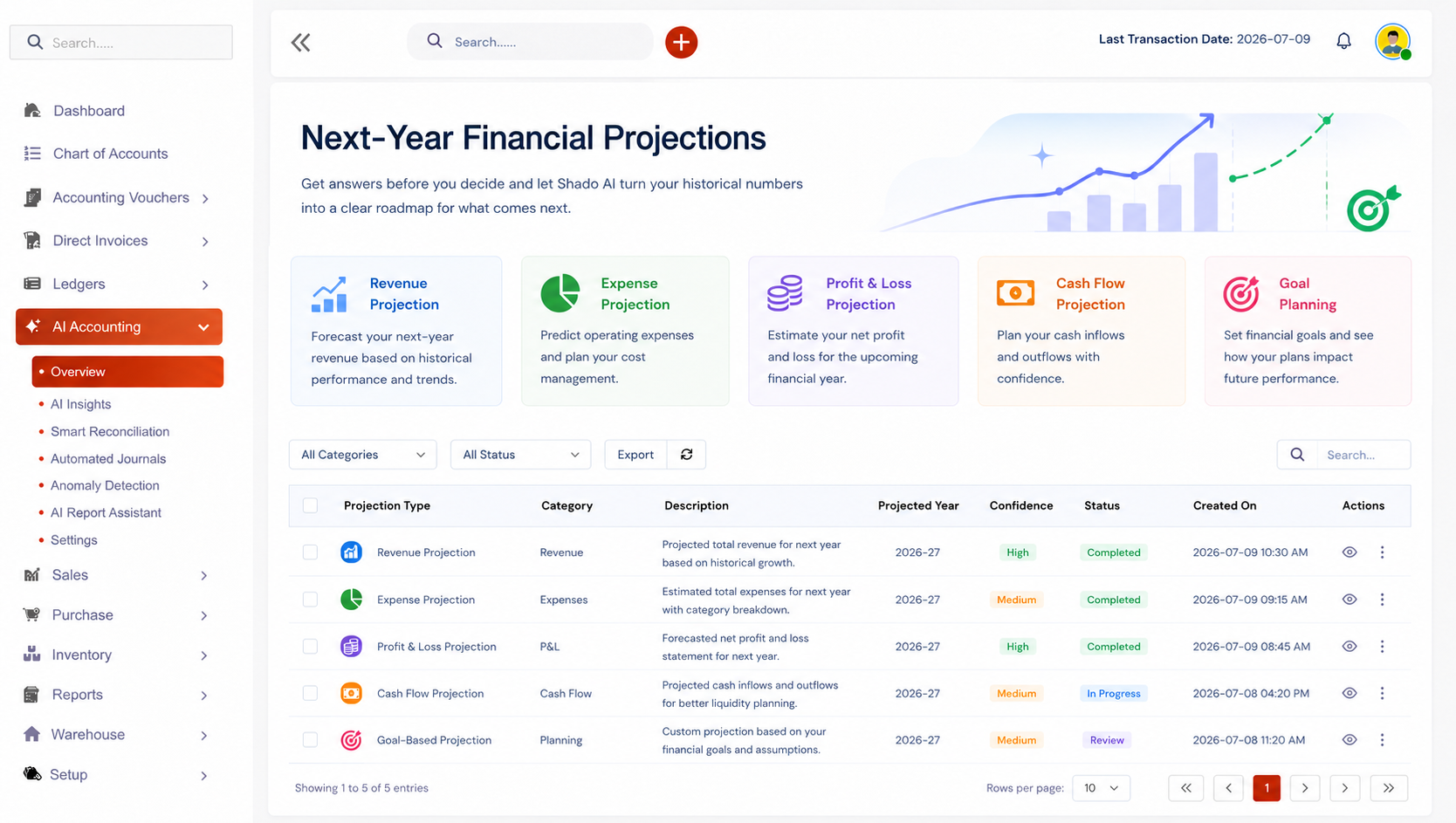
Smart business insights
Multiple languages
Talk to Your ERP
Scan Bills
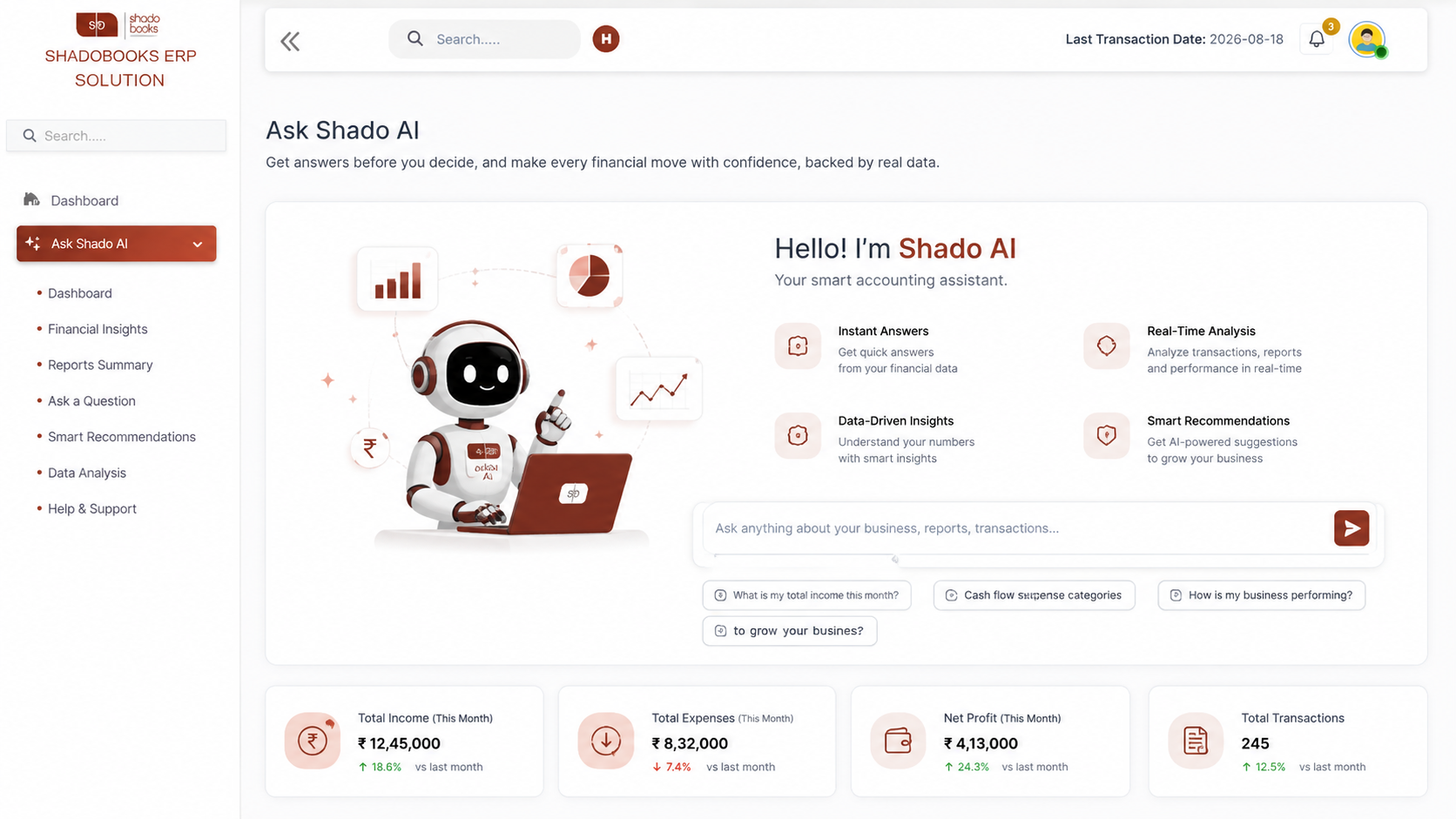
Ask Shado AI
Multilingual
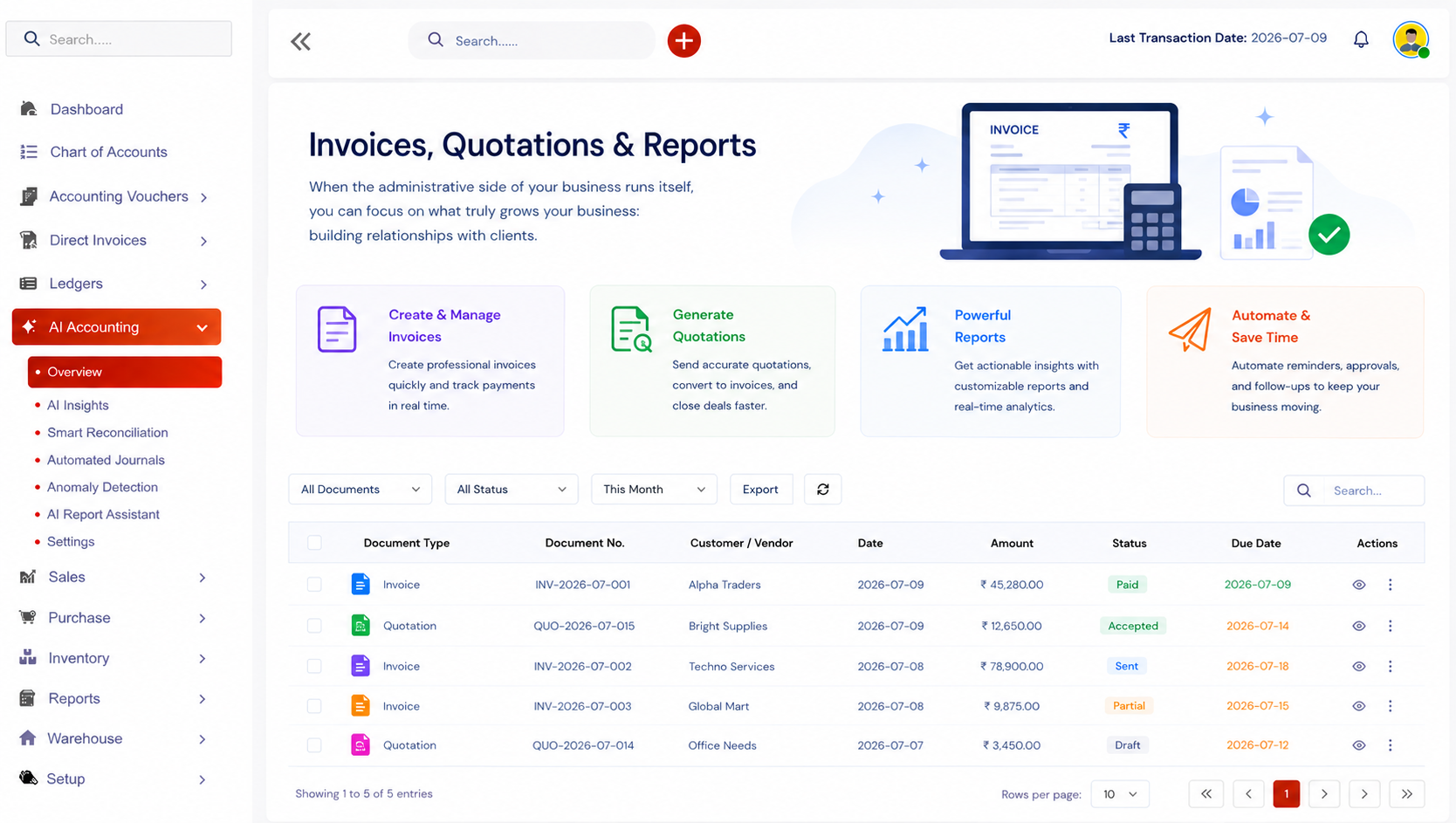
Invoices
& Reports
Automatic Bill
Financial Projections
Create accounting entries and manage everyday ERP tasks using simple voice commands instead of navigating through multiple screens.
Turn paper bills and invoices into accounting entries with Shadobooks free Invoice Scanning App.
Get answers before you decide, and make every financial move with confidence, backed by real data.
Manage accounting tasks in the language you're most comfortable with using Shadobooks' multilingual voice capabilities.
When the administrative side of your business runs itself, you can focus on what truly grows your business: building relationships with clients.
Scan bills, skip data entry - Move information from camera scan to your account record in seconds.
Get answers before you decide and let Shado AI turn your historical numbers into a clear roadmap for what comes next.
Reduce the amount of time spent typing invoices, entering bills, creating customers, and navigating accounting screens.
Voice commands and intelligent bill scanning help minimize repetitive data entry and reduce the chances of manual mistakes.
Multilingual voice support makes our software easier to use for business owners and teams.
Use AI-generated projections to understand potential future P&L, expenses, and financial trends.
Instead of remembering where every feature is located, users can simply ask or speak what they need from Shado AI.
Automating routine activities such as master creation helps accounting teams handle more work with less effort.
Invoice Scanner
Task Manager
Shadobooks WorkTrack
Shadobooks ERP
Shado Browser
Sign up with your email address and create your Shadobooks account securely.
Confirm your email address to activate your account to ensure secure access.
Set up your company profile, business details, logo, and personalized subdomain.
Configure business-specific settings to match your operational requirements.
View your accounting, financial, operational, and Tax reports in one place.
Our support team is available 24/7 to assist you whenever you need help.
Shadobooks ERP's voice entry feature currently supports four languages - English, Tamil, Malayalam, and Hindi. This ensures that business owners and their teams across different regions of India can interact with the software comfortably in the language they're most fluent in, making adoption quicker and usage far more natural.
Voice commands in Shadobooks can handle a wide range of accounting tasks including generating invoices, creating quotations, recording payments, adding new customers and vendors, setting up items, configuring taxes and discounts, and pulling up financial reports. Essentially, most of the core data entry functions of the ERP can be performed through voice.
Yes, the Shadobooks Invoice Scanning App is completely free and available for download on the Google Play Store. Once downloaded, it connects directly to your Shadobooks account, allowing you to scan purchase bills, receipts, and payment documents that are then automatically entered into your system.
If the scanned bill doesn't contain all the required information - perhaps a vendor reference or an item description wasn't visible - the system still creates the partial entry and allows you to manually edit or add the missing details before saving. This gives you the best of both worlds: automation with human oversight.
Not at all. These features are specifically designed to make accounting accessible to everyone, regardless of their accounting background. Whether you're a seasoned CFO or a first-time business owner, voice entry, invoice scanning, and the Shado AI assistant are all built to be intuitive, conversational, and easy to use without specialist knowledge.
Shadobooks ERP Solutions prioritizes data security at every level. All information processed through voice commands, bill scanning, and AI interactions is handled within a secure environment with appropriate data protection measures in place. Your financial data remains private, protected, and accessible only to authorized users within your account.

Yes, the Invoice Scanning App is designed to handle a variety of bill formats including purchase invoices, payment receipts, expense bills, and more. The intelligent recognition system reads the available data fields and maps them to the correct entries in your Shadobooks account regardless of layout variations.
Absolutely. Both features are optimized for mobile use. The Invoice Scanning App is a dedicated mobile application, and voice-based data entry works seamlessly on smartphones and tablets, making it easy to manage your accounts on the go, whether you're in the office, at a client site, or anywhere in between.
The Financial Shadow of your Company